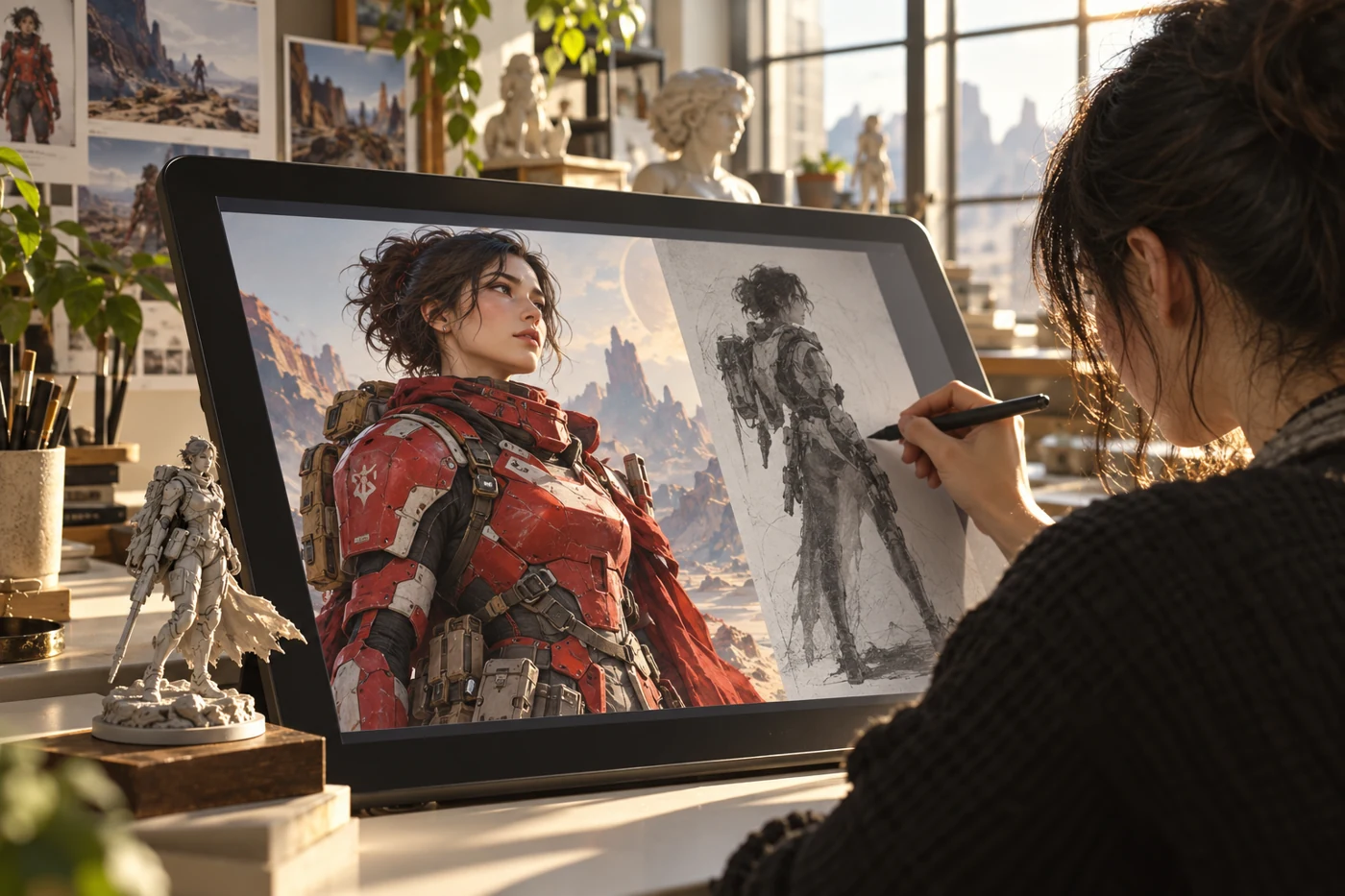
Character recognition often fails long before an artist notices a modelling problem. The design may look distinctive in a neutral pose yet collapse into the same shape as another character when running, crouching or holding a weapon. Silhouette review should therefore be a gameplay exercise. The goal is to preserve the information a player needs while allowing clothing, equipment and personality to enrich the design without overwhelming its essential structure.
Decide what the silhouette must communicate
List the distinctions that affect player decisions. In a tactical encounter, players may need to recognise a shield carrier, a healer and a fast flanking enemy. Their narrative backgrounds are less urgent than their likely actions. Give each role a structural feature that remains visible from common viewing angles, such as a broad shield mass or an unusually high equipment profile.
Avoid making every important feature depend on the head. Helmets disappear behind cover, turn away from the camera and become tiny at distance. Distribute recognition across posture, torso proportions and carried objects. Cosmetic options should preserve enough of this structure that players do not have to relearn combat roles whenever a new costume is introduced.
Review silhouettes as a set
Place the entire cast in a single scene using a flat dark material. Match their actual gameplay sizes rather than normalising every character to fill a presentation frame. View them against representative bright, dark and patterned backgrounds. Confusion between two designs becomes much easier to identify when they occupy the same image.
Then reduce the image to the smallest supported gameplay view. Ask reviewers to identify roles without labels and record the specific pairs they confuse. This is a diagnostic exercise rather than a score to defend. If a weapon is the only distinction, temporarily remove it and examine whether a second cue would make the design more robust.
Include poses and equipment changes
Test the key poses that players will encounter: idle, attack preparation, running, hit reaction and defeat. A distinctive cape may merge with the body during movement; a tall weapon may point directly at the camera. Adjust poses and proportions together. Animation and character art should share responsibility for preserving recognition throughout the action.
Review common attachments before approving the base model. Backpacks, pets, shields and effects can fill the negative spaces that previously separated limbs from the torso. Establish attachment envelopes where necessary. A cosmetic item can be expressive without occupying the exact region that communicates an enemy's attack direction or movement class.
Add supporting cues without hiding the problem
Colour, outlines and icons can reinforce recognition, especially when the scene becomes visually demanding. They should be tested independently because players perceive colour differently and displays vary. Microsoft's accessibility guidance provides useful considerations for contrast and additional cue channels. Use those references to broaden testing rather than to assume a single palette will work universally.
Before sign-off, run a short encounter with names and debug labels hidden. Observe where identification slows down and inspect those moments frame by frame. Keep a contact sheet of the approved cast in motion alongside the sculpt references. The final checklist is practical: role readable, team distinguishable, attack direction visible and cosmetic variants recognisable at normal distance.
The key decisions.
- Review the whole cast at actual gameplay scale.
- Check role recognition in motion and with common attachments.
- Use supporting cues while preserving distinctive structural features.
Sources & further reading
Primary references for the concepts discussed. Check the applicable documentation when planning implementation.